:
:
:
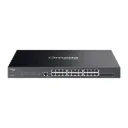
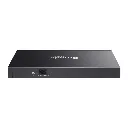
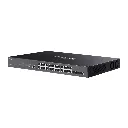
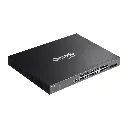


Overview
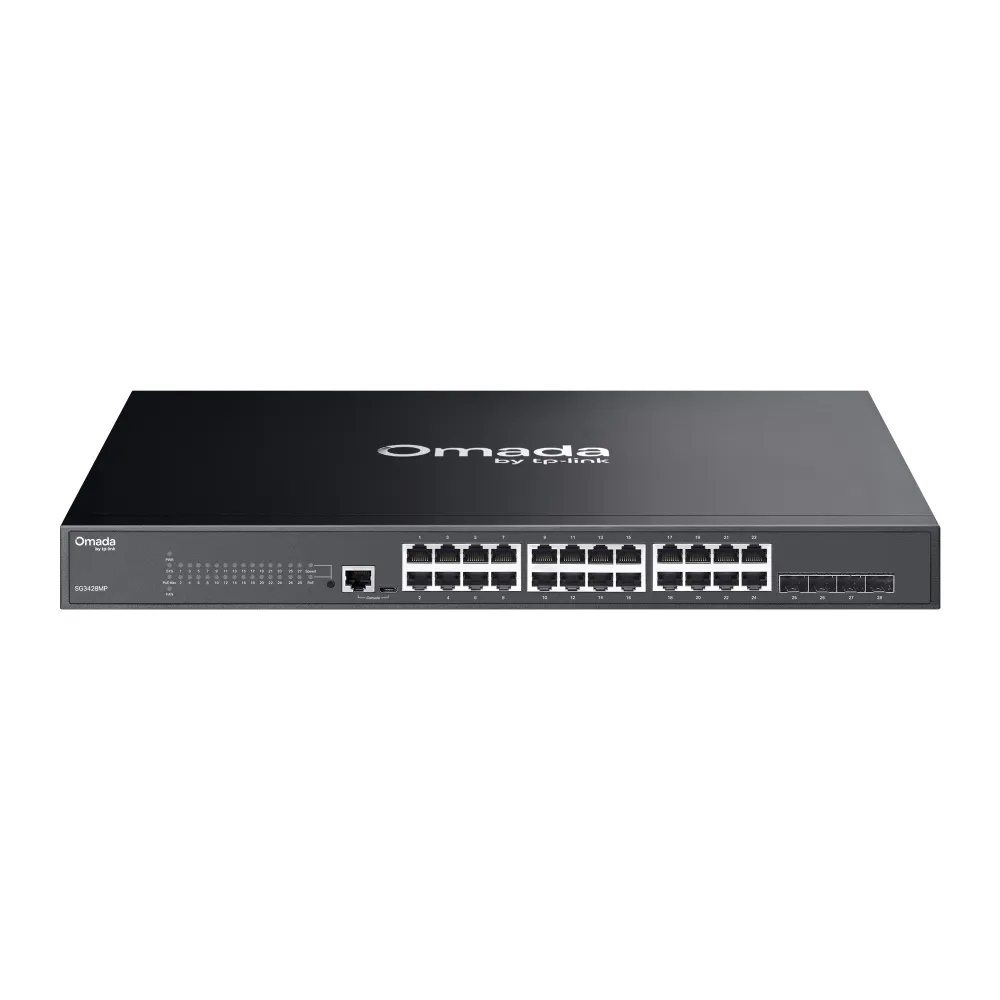
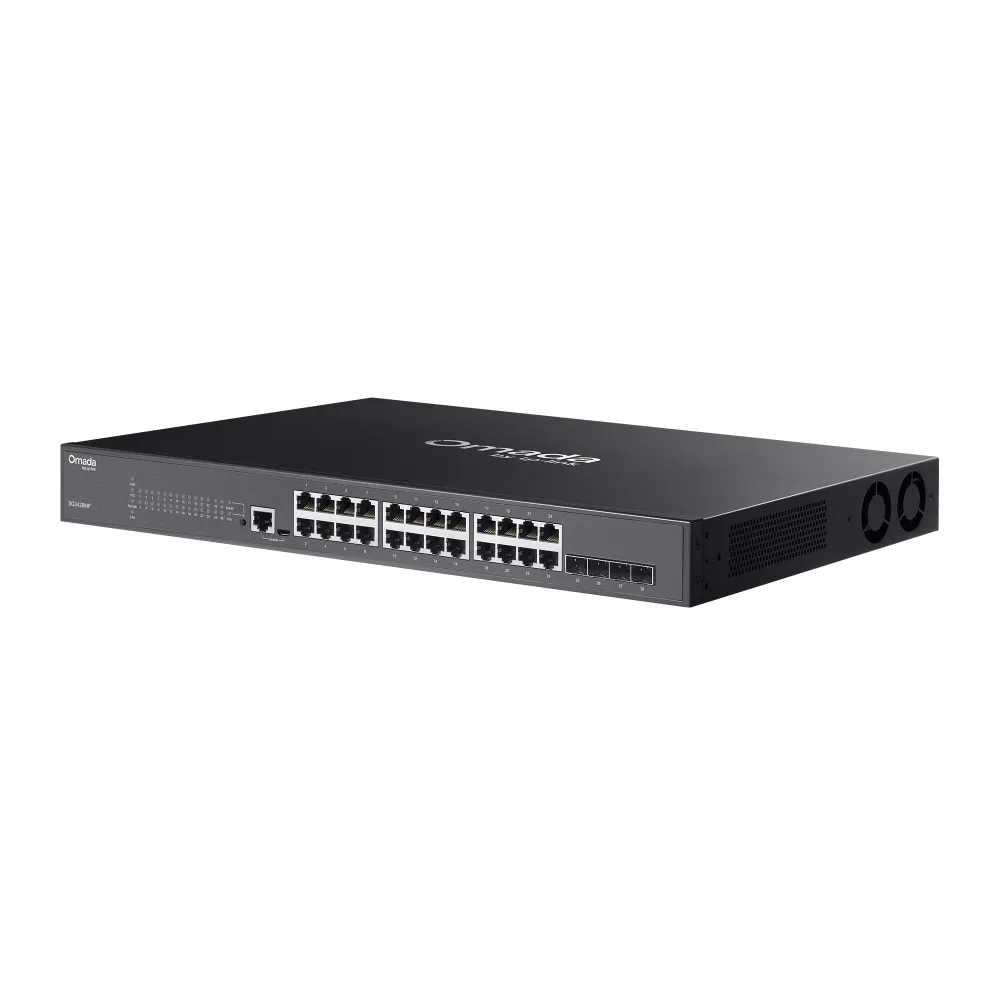
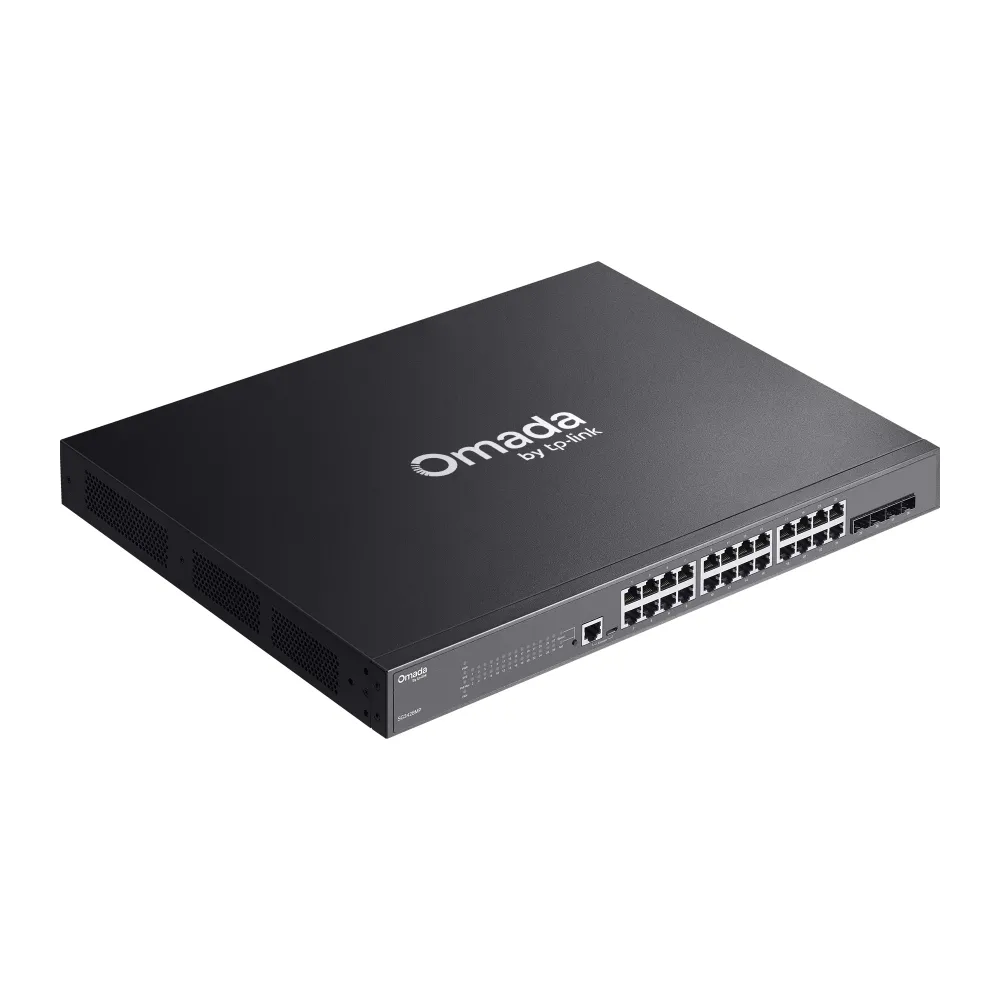
Enhance enterprise network efficiency with the Omada 28-Port Gigabit Switch featuring 24-Port PoE+. Designed for business networks requiring reliable power distribution and high-speed data transmission, this managed switch delivers full Gigabit speeds across all ports and multi-gigabit uplink flexibility via SFP slots. Integrated into the Omada Software Defined Networking (SDN) platform, it allows for seamless centralized management, robust L2+ security features, and intelligent PoE power allocation ideal for IP cameras, access points, and IP phones.
Key Features
- Full Gigabit Connectivity: Equipped with 24× Gigabit RJ45 ports and 4× Gigabit/10G SFP/SFP+ slots for high-speed local connections and versatile uplink capabilities.
- 24-Port PoE+ Output: Provides 802.3at/af-compliant PoE+ across 24 ports with a generous total power budget to reliably power modern network devices.
- Omada SDN Centralized Management: Enables cloud management, Zero-Touch Provisioning (ZTP), real-time monitoring, and remote network configuration.
- Advanced L2+ Features: Supports Static Routing, VLANs (802.1Q), QoS (Quality of Service), IGMP Snooping, and Link Aggregation (LACP) for optimized network performance.
- Robust Enterprise Security: Protects network assets with IP-MAC-Port Binding, ACLs, 802.1X Port Security, Storm Control, and DHCP Snooping.
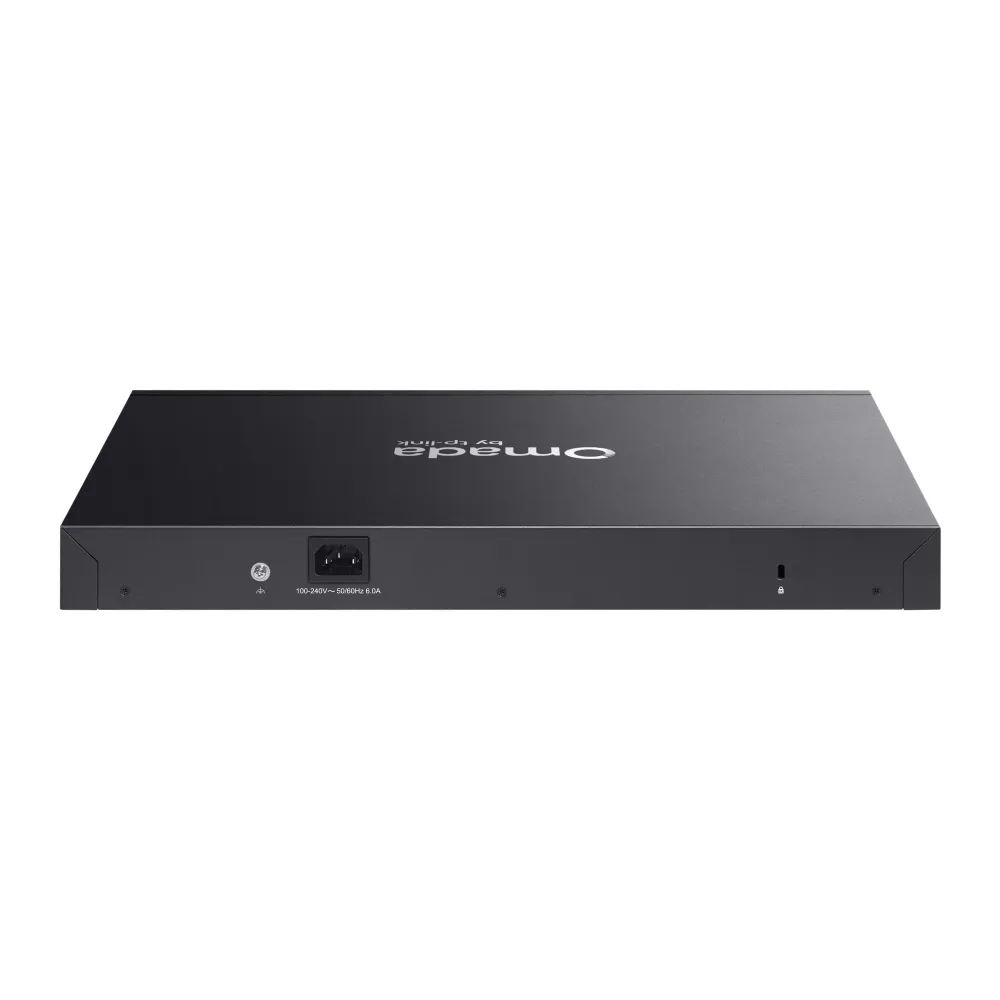
- Flexible Installation: Rack-mountable steel chassis design with internal power supply for clean server room and network cabinet setups.
Specifications
| Attribute | Specification |
| Model | Omada SG2428P / SG3428P |
| Switch Type | Managed L2 / L2+ Switch |
| Ethernet Ports | 24× 10/100/1000 Mbps RJ45 Ports (PoE+ Enabled) |
| Uplink Ports | 4× Gigabit SFP Slots / 10G SFP+ Slots |
| PoE Protocol & Budget | 802.3at/af PoE+ (Up to 30W per port, Total Budget: 250W) |
| Switching Capacity | 56 Gbps / 128 Gbps |
| Forwarding Rate | 41.7 Mpps / 95.23 Mpps |
| Power Supply | 100-240V AC, 50/60 Hz Internal Power Supply |
| Form Factor | 19-inch 1U Rack-mountable |

To install this Web App in your iPhone/iPad press
 and then Add to Home Screen.
