:
:
:
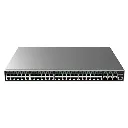
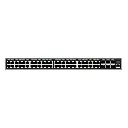
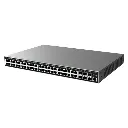
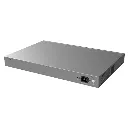
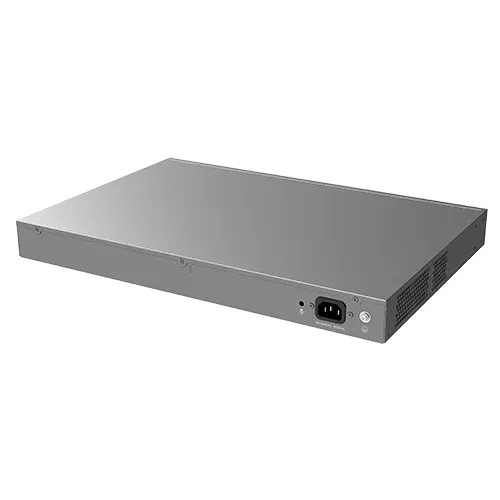
Overview
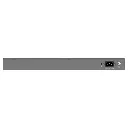
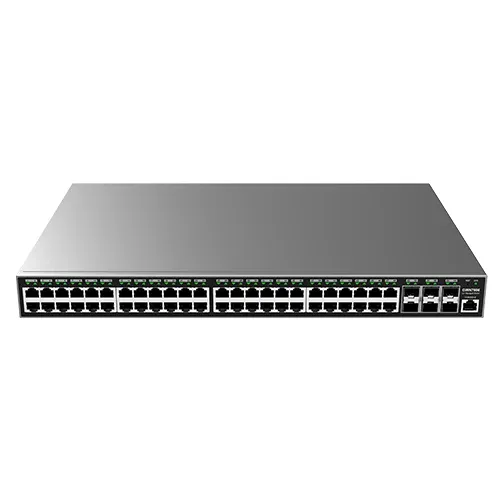
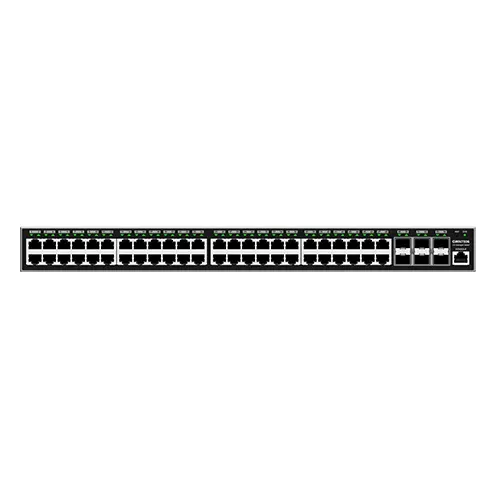
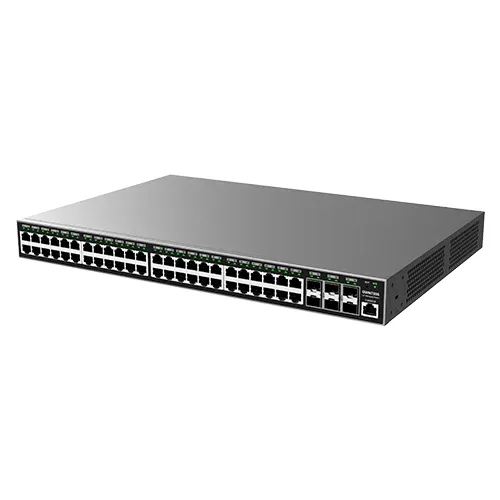
The Grandstream GWN7806P is a high-performance Layer 2+ managed network switch engineered to support growing enterprise networks, small-to-medium businesses (SMBs), and commercial deployments. Featuring high-density Power over Ethernet (PoE) output and flexible Gigabit uplink connectivity, the GWN7806P delivers reliable data transmission, robust security management, and advanced QoS capabilities for IP telephony, surveillance, and Wi-Fi access point installations.
Key Features & Highlights
- High-Speed Connectivity: Equipped with Gigabit Ethernet ports delivering high throughput and low latency across all connected network devices.
- Smart Power over Ethernet (PoE/PoE+): Provides integrated IEEE 802.3af/at PoE output to power IP phones, IP cameras, wireless access points, and other IoT devices directly over Ethernet cables.
- Layer 2+ Management Capabilities: Supports advanced traffic management features including VLAN tagging (802.1Q), Link Aggregation (LACP), Spanning Tree Protocol (STP/RSTP/MSTP), and IGMP Snooping for optimized multicast management.
- Comprehensive Security Suite: Features Access Control Lists (ACL), Port Security, DHCP Snooping, 802.1X authentication, and Storm Control to safeguard enterprise networks against unauthorized access and traffic threats.
- Quality of Service (QoS): Priority queuing (SP/WRR) ensures high-priority voice and video traffic runs smoothly without latency or packet loss.
- Centralized & Flexible Management: Can be managed via its embedded web controller UI, GWN.Cloud, or the GWN Manager on-premise software controller for streamlined provisioning, monitoring, and maintenance.
Technical Specifications
| Feature | Specification |
| Network Interfaces | Gigabit RJ45 Ports + SFP/SFP+ Uplink Ports |
| PoE Capability | IEEE 802.3af/at PoE/PoE+ Output |
| Switching Capacity | Full Wire-Speed Layer 2+ Switching |
| Management Options | Embedded Web UI, GWN.Cloud, GWN Manager |
| Security Protocols | 802.1X, RADIUS, TACACS+, ACL (L2-L4), DHCP Snooping |
| Mounting | Desktop / Rackmount |

To install this Web App in your iPhone/iPad press
 and then Add to Home Screen.
